7 Key Insights into Building an E-Paper Smart Home Dashboard
In an age where smartphones often dominate our attention, one couple sought a healthier relationship with technology. They envisioned a home where essential info like time, weather, and calendars were available without the distractions of a phone screen. Their journey led to a custom e-paper dashboard named Timeframe. This listicle unpacks the evolution, challenges, and future of this innovative project—perfect for tech enthusiasts and smart home hobbyists.
1. The Motivation: Escaping Smartphone Overload
Joel and his partner began their married life with a clear goal: design a home that leverages technology without letting it take over. They wanted to minimize smartphone usage for basic tasks like checking the time or appointments. Phones, while useful, often pull users into endless browsing. So Joel sought standalone devices to replace these functions—starting with a “magic mirror” before pivoting to an e-paper solution.
2. From Magic Mirror to E-Paper
The initial attempt with a magic mirror proved unsatisfactory, likely due to glare, power consumption, or aesthetics. Joel quickly switched to e-paper displays, which mimic the look of printed paper. This technology feels organic and blends into home decor better than glowing screens. He named the system Timeframe, reflecting its role as a static yet dynamic information hub. The first versions used multiple smaller e-paper units mounted in wooden frames around the house.
3. First Iterations: Multiple Displays with Rails Backend
Early Timeframe setups relied on several e-paper screens stationed in different rooms. A custom-built Rails backend served images to these displays. While functional, this approach had limits: the refresh rate was slow, and resolution was low. But it proved the concept—showing that a distributed, wall-mounted system could replace phone usage for quick information glances.
4. The Upgrade: A Larger, Higher-Resolution Display
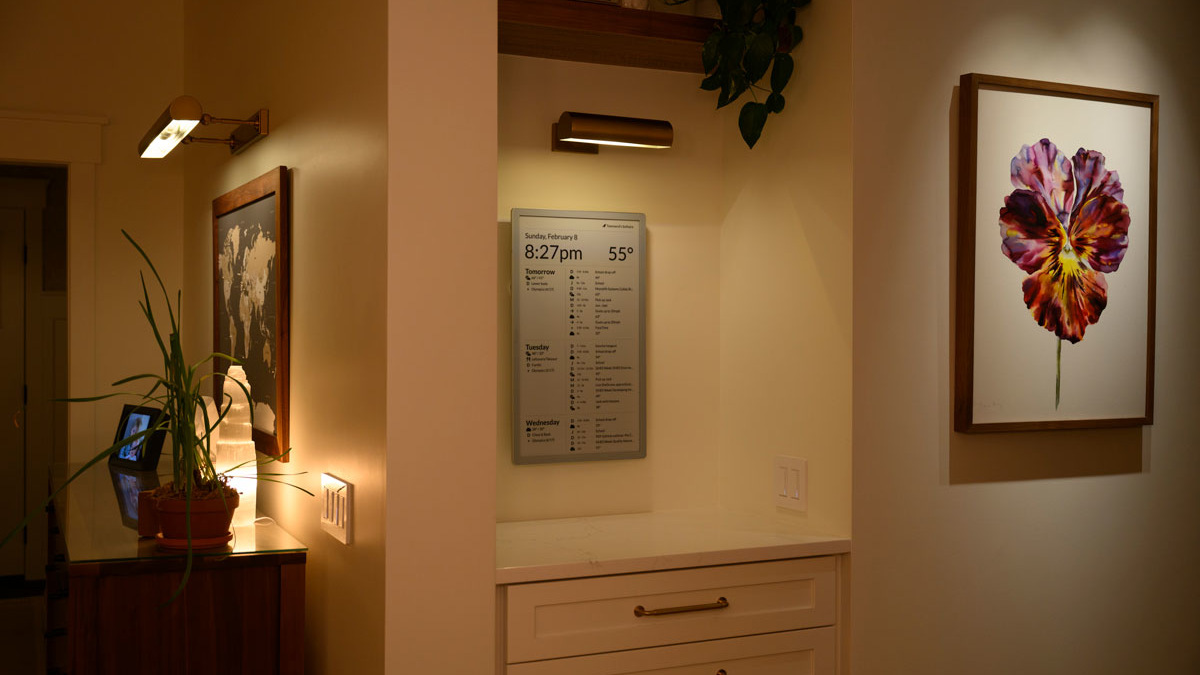
The game-changer came with a 23.5-inch Boox e-paper display. This offered significantly higher resolution and faster refresh rates, enabling more traditional screen-like use—like full calendar views or to-do lists. However, integrating this display required a complete rewrite of the backend. Joel invested substantial time into the new system, resulting in a polished, centralized dashboard that sits on the wall and provides a comprehensive home and life overview.
5. How the Final System Works
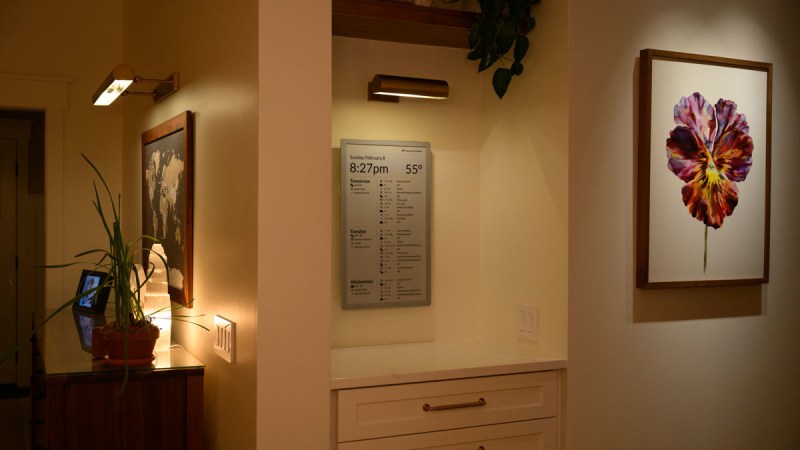
The current Timeframe runs on a custom backend (now rebuilt) that pushes data to the Boox panel. It displays essential info: time, weather, calendar events, maybe news or photos—functioning as a digital paper notebook for the home. The low power of e-paper means it can stay on constantly without burning energy. The design avoids the “techy” look of LCDs, making it a natural part of the living space.
6. Future Plans: Home Assistant Integration & Cost Reduction
Like any DIY project, Timeframe isn’t finished. Joel has clear next steps: deeper integration with Home Assistant (the open-source home automation platform) to control lights, locks, or sensors directly from the display. He also wants to reduce the overall cost so the solution is more replicable for others. These improvements could make e-paper dashboards a viable option for many smart homes.
7. Why E-Paper Dashboards Are Gaining Popularity
Timeframe isn’t unique; e-paper displays are increasingly used for home dashboards. Smaller builds—some also called “Timeframe” by coincidence—have appeared online. The appeal lies in e-paper’s paper-like readability, ultra-low power consumption, and lack of blue light. For those seeking a minimalist, distraction-free way to stay informed at a glance, e-paper checklists, weather stations, and calendars are emerging as top smart home accessories.
Joel’s journey shows that stepping away from smartphones doesn’t mean sacrificing convenience. With creativity and a bit of coding, an e-paper dashboard can become the calm, reliable data center of your home. Whether you replicate his project or draw inspiration from it, the goal remains: let technology serve your life, not rule it.