10 Essential Facts About Building a Chatbot with Python's ChatterBot Library
Building a chatbot from scratch might sound like a daunting task, but with Python's ChatterBot library, you can create a self-learning command-line bot with minimal effort. This library combines text processing, machine learning, and a local database to generate intelligent replies. Whether you want a simple conversational agent or one that leverages local LLMs for contextual knowledge, ChatterBot has you covered. In this listicle, we'll dive into ten crucial aspects of using ChatterBot, from basic setup to advanced features like training on custom data and integrating local AI models.
1. What Is ChatterBot?
ChatterBot is a Python library designed to generate responses to user inputs using a combination of text processing, machine learning algorithms, and data storage. It's not just a simple rule-based bot—it learns from the conversations you feed it. Under the hood, ChatterBot uses a graph structure to map statements and responses, selecting the best match based on similarity. You can train it on any topic by providing relevant conversations, making it adaptable for industry-specific applications. The library was revived in 2025 with modern Python support, new training formats, and experimental LLM integration, ensuring it stays relevant for today's developers.
2. Setting Up a Minimal ChatterBot Script
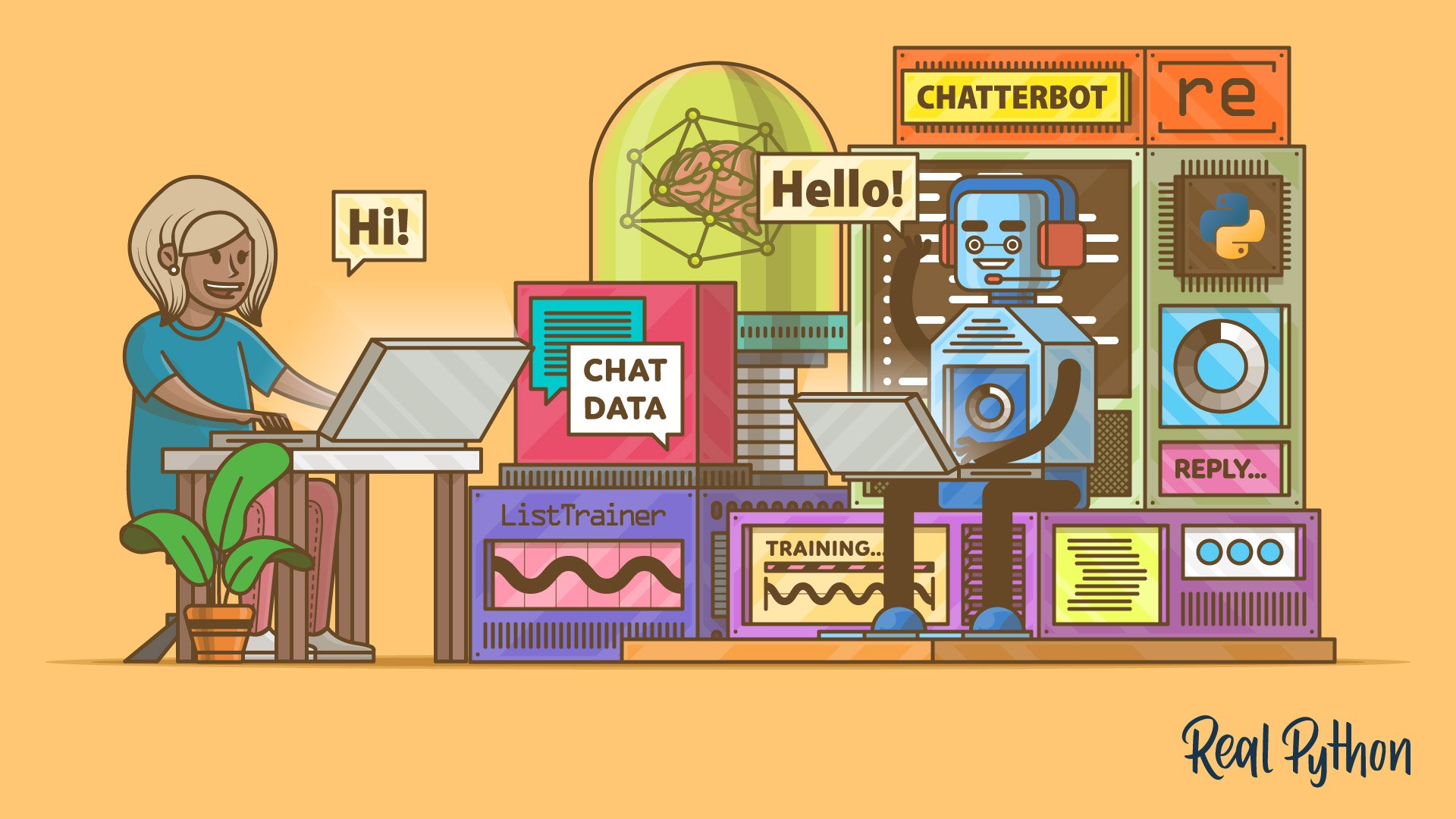
Getting started with ChatterBot requires just a few lines of Python code. First, install the library via pip. Then, create an instance of ChatBot and run a loop to collect user input, calling .get_response() to generate replies. A minimal script looks like this: import ChatBot, create bot, while True: user_input = input('You: '); print('Bot:', bot.get_response(user_input)). That's it—you have a command-line chatbot that can respond based on its training data. This simplicity is one of ChatterBot's biggest strengths, allowing you to prototype a functional bot in minutes.
3. Training with ListTrainer and Custom Data
To make your chatbot meaningful, you need to train it with relevant conversations. The ListTrainer class allows you to feed in a list of statement-response pairs. For example, you can provide a list like ['Hi', 'Hello!', 'How are you?', 'I'm fine']. ChatterBot stores these pairs in its internal graph. You can also use default training data, but for specialized topics (e.g., houseplants), custom corpora are more effective. In the tutorial, you'll prepare real WhatsApp chat data and train the bot on those actual conversations, making it more authentic.
4. How ChatterBot Stores and Retrieves Data
Once trained, ChatterBot's conversations are stored in a SQLite database. When a user sends a message, the library uses Levenshtein distance to compare the input against stored statements and find the closest match. It then returns the associated response. This fuzzy matching allows the bot to handle slight variations in phrasing. The database grows over time as the bot interacts with users, continuously improving its response selection. This combination of storage and algorithmic matching is what gives ChatterBot its learning capability.
5. Integrating a Local LLM via Ollama
One of the most exciting features added in 2025 is support for local large language models (LLMs) through the OllamaLogicAdapter. This adapter can be plugged into your ChatterBot instance alongside other logic adapters. When the bot receives input, each adapter produces a response with a confidence score. The adapter with the highest confidence wins. Ollama brings contextual knowledge from a local LLM, making replies more intelligent and relevant. You can run models like LLaMA locally, keeping your data private and free from API costs.
6. The 2025 Revival: New Features and Improvements
After a long hiatus, ChatterBot was revived in early 2025. Key updates include: using spaCy for natural language processing (improved tokenization and entity recognition), support for CSV and JSON training formats (making it easier to import large datasets), and experimental LLM integration with Ollama. These changes bring ChatterBot up to date with modern Python versions and developer expectations. The library remains open-source, and the community continues to enhance it.

7. Preparing Real WhatsApp Conversation Data
To train a chatbot that sounds like a real person, you can use your own WhatsApp chat exports. The tutorial provides a script to clean the raw export using regular expressions. You'll remove timestamps, system messages, and metadata, keeping only the actual text exchanges. This cleansed data is then formatted into statement-response pairs suitable for training. Using real conversations makes the bot's responses more natural and engaging, as it learns from actual human interactions rather than synthetic data.
8. Cleaning Text with Regular Expressions
Raw chat exports from WhatsApp contain a lot of noise—dates, times, sender names, and media placeholders. ChatterBot's tutorial uses regular expressions to strip away these elements. For example, a regex pattern can remove lines like "[2/15/25, 10:30:45 AM] John: ..." to extract just the message content. This step is crucial because ChatterBot expects clean text pairs. The tutorial demonstrates how to write and apply these patterns effectively, ensuring your training data is pristine.
9. Running the Chatbot in Command-Line Mode
The final chatbot is a command-line application that interacts with users in a loop. You start the script, and it prompts you for input. After you type a message, the bot processes it through its logic adapters and returns a response. Over time, as you chat, the bot learns from your replies and refines its internal graph. The tutorial includes a preview of what the interaction looks like—a simple, text-based conversation that can become surprisingly coherent with enough training.
10. Beyond the Basics: What’s Next for Your Chatbot?
Once you have your basic command-line bot running, you can extend it further. Add more logic adapters, create a web interface using Flask or Django, or deploy it as a Slack or Telegram bot. You can also fine-tune the training on larger datasets or integrate additional local LLMs. The tutorial encourages you to experiment—your bot will improve over time as it gets more exposure to questions and replies. With the 2025 updates, ChatterBot is more versatile than ever, ready for both hobby projects and production use.
In conclusion, ChatterBot provides a powerful yet accessible way to build self-learning chatbots in Python. From minimal setup to advanced LLM integration, this library offers everything you need to create a conversational agent that gets smarter with every interaction. Whether you're a beginner or an experienced developer, these ten points give you a solid foundation to start building your own chatbot today.