Mastering Chatbot Development with Python's ChatterBot Library: A Comprehensive Guide
Understanding ChatterBot and Its Role in Python Chatbots
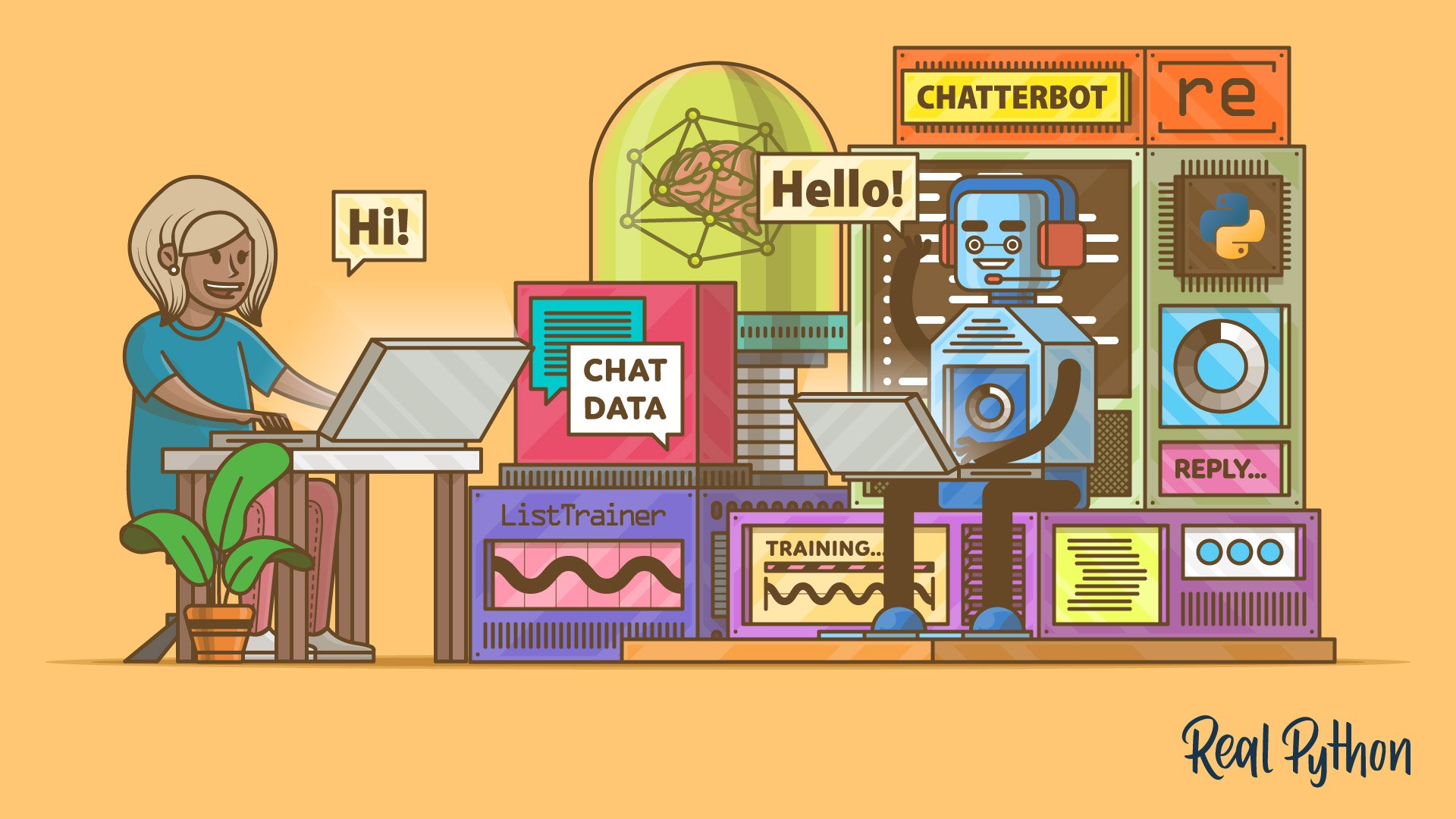
Building a conversational agent is one of the most exciting applications of Python. Among the many libraries available, ChatterBot stands out for its simplicity and flexibility. It is a machine-learning-based chatbot engine that learns from existing conversations and generates replies by finding the most similar statement it has already seen. This guide will walk you through how ChatterBot works, how to train it, and how to enhance it with a local large language model (LLM) for more nuanced responses.
How ChatterBot Learns from Conversations
At its core, ChatterBot uses a statistical learning algorithm to associate input statements with their appropriate responses. It does not rely on complex neural networks by default but instead builds a graph of conversational patterns.
Training Data and Corpus
ChatterBot comes with built-in corpora in several languages (e.g., English, Spanish). You can also feed it custom datasets such as FAQ documents, chat logs, or even Wikipedia excerpts. The training process converts text into statements and responses, storing frequency counts of how often a particular response follows a given input.
The Learning Process
When you train ChatterBot, it parses each conversation pair and updates internal tables. For example, if the input is “Hello” and the response is “Hi,” ChatterBot increments a counter for that pairing. Over time, it builds a probabilistic model: given an input statement, it ranks possible responses based on how often they have been used in similar contexts. This approach allows the bot to learn from example without writing explicit rules.
Reply Selection: Similarity-Based Matching
ChatterBot does not simply return the most common response. It compares the semantic similarity between the current input and all previously seen statements. This is where its reply selection intelligence lies.
Statement Comparison Algorithm
The library uses a Levenshtein distance and cosine similarity (via TF-IDF) under the hood. For example, if a user types “What’s your name?” and the bot has only seen “Tell me your name,” ChatterBot will still match them as similar, because the underlying tokens and meaning overlap. The comparison logic is configurable: you can switch between different similarity metrics or even plug in external NLP models.
Confidence Scoring
Once a match is found, ChatterBot assigns a confidence score based on how similar the input is to the closest known statement. If the confidence exceeds a threshold (default is around 0.5), the corresponding stored response is returned. If not, the bot might fall back to a default reply or, as we will see later, consult an LLM.
Enhancing Responses with Local LLMs
While ChatterBot’s similarity approach works well for simple Q&A, it can struggle with complex or open-ended questions. To address this, you can integrate a local LLM (like GPT4All or Llama.cpp) to “round out” its responses.
Integrating a Language Model
Modern versions of ChatterBot allow you to define a logic adapter that calls an external model. For instance, you can create an adapter that sends the user input to a local LLM and uses the generated text as the response. The confidence scoring from the similarity step can be used to decide when to invoke the LLM – for example, only when confidence is below a certain value.

Benefits and Considerations
Adding an LLM gives your bot the ability to handle novel queries, generate creative replies, and maintain coherent multi-turn conversation. However, it also increases latency and computational cost. A hybrid approach – using ChatterBot for common queries and the LLM for unknown ones – often yields the best balance between speed and intelligence.
Building Your First ChatterBot
Let’s walk through the steps to get a minimal bot running.
Installation and Setup
First, install ChatterBot along with its dependencies:
pip install chatterbot chatterbot-corpus(Note: ChatterBot is now maintained as a community fork; ensure you use the latest version from GitHub.)
Writing the Code
Here is a minimal example:
from chatterbot import ChatBot
from chatterbot.trainers import ListTrainer

bot = ChatBot('MyBot')
trainer = ListTrainer(bot)
trainer.train([
    'Hi', 'Hello',
    'How are you?', 'I am good, thanks!',
    'What is your name?', 'I am ChatterBot.'
])

response = bot.get_response('Hello')
print(response)
This trains the bot on a short list of conversations and then responds to “Hello”. You can replace ListTrainer with CorpusTrainer to use the built-in corpora.
Best Practices and Tips
- Train with diverse data: The more variations of a question you provide, the better the similarity matching works.
- Set a confidence threshold: Adjust the threshold to avoid incorrect or vague responses.
- Use multiple logic adapters: Combine similarity-based adapters with mathematical or time-aware ones for richer behavior.
- Cache responses: For frequently asked questions, cache the generated response to speed up conversation.
- Monitor performance: If you integrate an LLM, measure response times and consider offline batch processing for training.
Next Steps
ChatterBot is a powerful starting point for building conversational interfaces in Python. By understanding its learning mechanism, mastering reply selection, and optionally enhancing with LLMs, you can create a bot that is both efficient and intelligent. Continue experimenting with different training datasets, logic adapters, and similarity metrics. For deeper dives, explore the official ChatterBot documentation and community forums.